Reviews Notion
Notion Review: Database Capabilities, API Access and Team Workspace Limits
At a glance
Notion combines notes, relational databases, and project tools in one workspace, with API access and varying limits by plan.
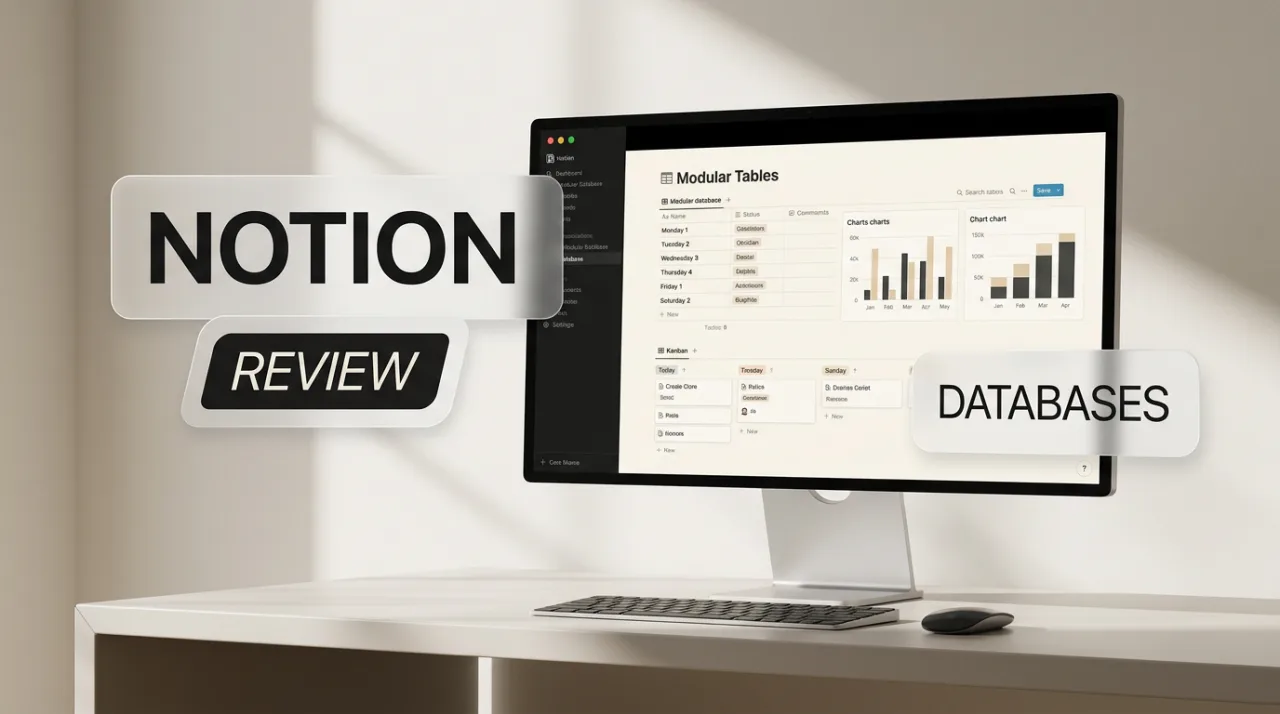
Notion serves as an all-in-one workspace that combines note-taking, document editing, wikis, and relational databases for project management and team collaboration. Launched in 2016, the platform now includes forms, sites, and AI features that operate across its core block-based structure. Users build custom databases with relations, rollups, and multiple views to replace separate spreadsheets or task apps.
Notion Features for Databases and API Integration
Databases in Notion support relations between pages, rollup calculations, formulas, and automations triggered by buttons or custom conditions. Views include table, board, calendar, gallery, and list formats, with filtering, sorting, and subtasks. Performance limits appear at 250,000 rows per database, 500 properties, and 2.5 MB of property data per page. API access covers reading and writing pages, databases, users, and comments through REST endpoints, internal integrations, OAuth, or personal tokens. Rate limits stand at 180 requests per minute on Free and Plus plans and 600 requests per minute on Business and Enterprise plans, with a 60-second window and Retry-After responses on exceedance.
Recent updates in version 3.8 added column-level permissions on Business plans, rebuilt synced databases from GitHub, Jira, and Salesforce, and agent attribution in version history. Webhooks and new agent endpoints require paid plans. Payload restrictions include 100 elements per array and 2,000 characters for rich text. Charts remain limited to one on the Free plan and unlimited on paid tiers. These capabilities suit teams that need flexible data structures but require monitoring for complex formulas that slow load times.
Notion Pricing, Workspace Limits, and User Feedback
Pricing runs per member per month on annual billing: Free at $0, Plus at $10, Business at $20, and Enterprise at custom rates. Monthly billing increases to roughly $12 and $24. AI tools such as Notion Agent and enterprise search come with trial usage on lower plans and full allowances on Business and Enterprise, with extra custom agent credits at about $10 per 1,000. Free workspaces with two or more members face a lifetime collaborative block limit near 1,000 blocks, while paid plans remove this cap. Guests stay limited to 10 on Free and become unlimited on paid plans. Teamspaces allow private options only on Business and higher, with SAML SSO and audit logs reserved for Enterprise.

Aggregated ratings from G2 and Capterra hover around 4.6 to 4.7 out of 5. Positive comments highlight the flexibility of databases and relations for replacing multiple tools, along with clean collaboration features. Common complaints focus on setup time for complex databases, performance drops with large datasets, and API rate limits during heavy integrations. Free plan restrictions on blocks and guests draw frequent mentions from small teams. Recent additions like column permissions and live synced databases address earlier user requests for better governance.
| Service | Database Relations | API Rate Limit | Free Team Limits | Enterprise SSO |
|---|---|---|---|---|
| Notion | Yes, with rollups | 180–600/min | ~1,000 blocks | Yes |
| Coda | Yes, with packs | Lower free tier | Unlimited docs | Yes |
| Confluence | Limited macros | REST API | Unlimited pages | Yes |
Limitations include visible performance degradation on databases with many visible properties or complex sorts, plus separate credit costs for heavy AI agent use. API pagination and webhook availability on paid plans can affect custom integrations. Version history and granular permissions improve on higher tiers but remain unavailable on Free.
Limitations and Practical Considerations
Teams planning heavy database use should test load times with sample data before scaling. API developers need to implement retry logic for the 429 responses and stay under array and text length caps. Workspace owners on Free plans often hit the block limit quickly when adding multiple members, prompting early upgrades. Column permissions and synced databases require Business or higher, which shifts costs for organizations needing those controls. Monitoring credit consumption for AI features helps avoid unexpected overages on Business plans.
Frequently asked questions
What are the main database limits in Notion?
Each database supports up to 250,000 rows and 500 properties. Performance slows with many visible properties or complex formulas, and API queries return a maximum of 10,000 results.
How does Notion API pricing differ by plan?
Free and Plus plans allow 180 requests per minute per connection. Business and Enterprise plans raise the limit to 600 requests per minute, with webhooks and agent endpoints available only on paid tiers.
Does Notion offer unlimited blocks for teams?
Free workspaces with multiple members have a collaborative block limit around 1,000. Paid plans remove this restriction and allow unlimited pages and blocks.
What user complaints appear most often in Notion reviews?
Reviewers on G2 and Capterra frequently note slow performance on large databases and restrictive Free plan limits for teams. API rate limits also surface in integration-heavy use cases.
Filed under
Comments 4