Reviews Cloudflare
Cloudflare OS Review: AI Workspace Platform, Features and Enterprise Integrations
At a glance
Cloudflare OS provides a browser-based AI agent workspace with persistent state, sandboxed Gadgets, and zero-trust security controls built on Cloudflare infrastructure.
Cloudflare OS review covers an open-source browser-based platform released publicly on August 5, 2026, as version 2. The tool supplies per-user agent workspaces that draw from company data, terminology, and workflows to support document generation, task automation, and small persistent applications without requiring code or terminal access.
Cloudflare OS Review of Features and Architecture
The platform centers on a chat interface with persistent state across sessions. It uses isolated runtimes through Dynamic Workers and Durable Objects. Organizations maintain a shared library of skills and knowledge that updates automatically as users interact with agents. This setup allows non-technical staff to connect live data sources and produce outputs such as slides or spreadsheets tied directly to internal records.
Gadgets function as private, sandboxed mini-applications that hold their own storage and state. These can be shared as reusable Blueprints that create independent instances for each recipient. Gatekeepers form the core security mechanism by granting zero default permissions and routing all external calls through proxies that log actions and require human approval for changes. No raw credentials reach the agents themselves.
Workflows run on demand, on schedules, or from events. Export options cover common formats, and progressive web app support enables offline access on supported devices. Recent October 2026 updates added deeper Git integration and refined auto-approval rules. The entire system runs on Cloudflare Access for identity verification and Workers infrastructure for execution.
Key capabilities include:
- Model Context Protocol connectors for systems of record
- One-click links to tools such as Asana, Notion, and Google Workspace
- AI Gateway routing with spend tracking and rate limits
- Capability-based access that supports asynchronous approvals
Pricing Structure and Enterprise Integrations
Cloudflare OS itself carries no per-seat license fees because the code is released under Apache 2.0. Organizations incur costs only through their existing Cloudflare account. The Workers Paid plan begins at roughly five dollars per month and includes baseline request and CPU allowances. Additional charges appear for Dynamic Workers, Durable Objects, KV and R2 storage, Browser Rendering, and inference calls routed through AI Gateway at provider rates.
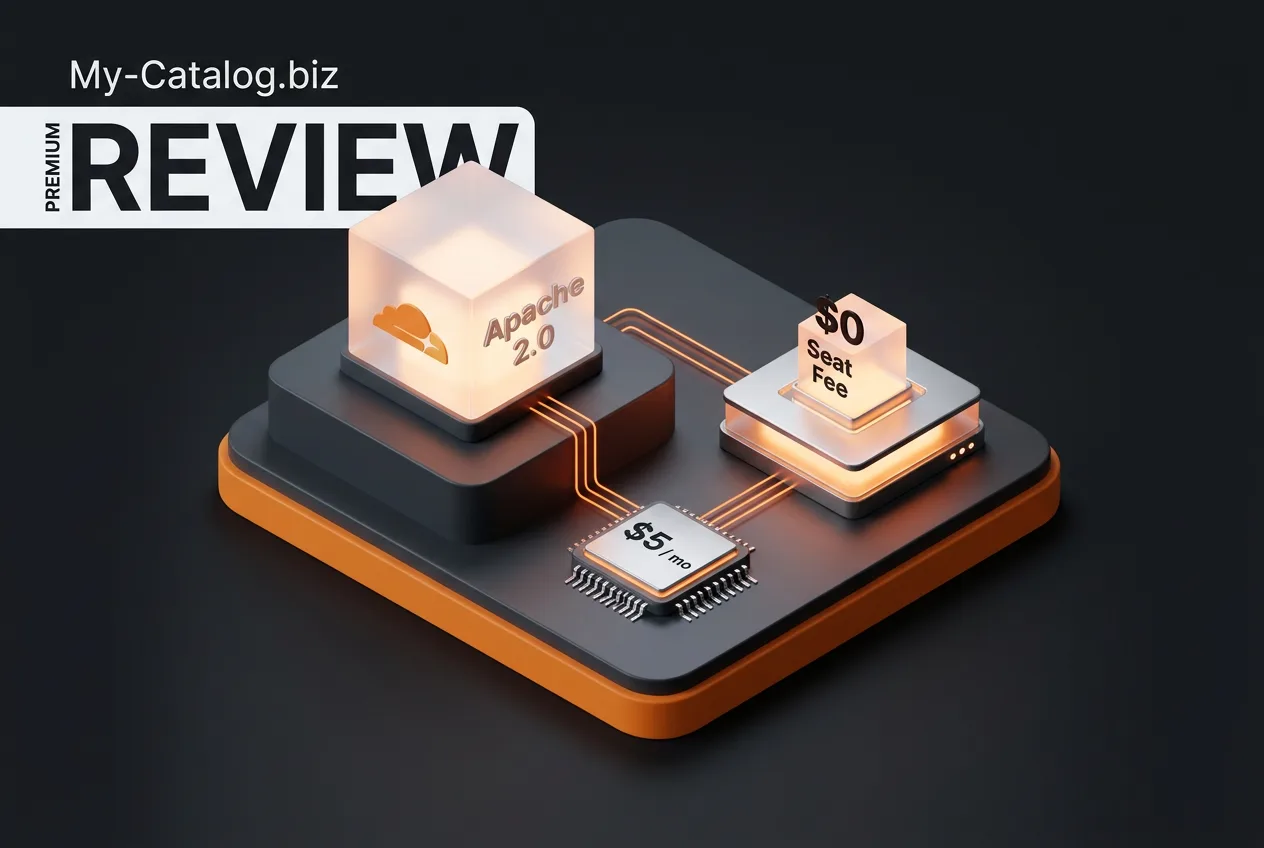
Zero Trust Access remains free for the first fifty users and then costs about seven dollars per user monthly. Internal deployment at Cloudflare since May 2026 produced measurable results, including more than ten thousand hours saved by the sales team in a single thirty-day window and over four thousand custom apps or automations created by employees.
Integrations expanded in mid-October 2026 with connectors for GitHub, GitLab, Box, Canva, ClickHouse, and Gong. Deployment partners including EPAM, Presidio, and Towards AI assist with custom Gatekeeper development, policy configuration, and rollout training. A managed hosted option entered waitlist status on October 1, 2026, while self-deployment through the public GitHub repository remains available immediately.
User Feedback, Limitations and Alternatives
By late October 2026 the GitHub repository had accumulated approximately 11,600 stars and 1,400 forks. Early testers on forums such as Reddit praised the security model and noted rapid initial growth yet described the interface as rough around the edges with a noticeable learning curve. No aggregated scores appear yet on major review platforms such as G2 or Capterra.
Production readiness questions remain open because the platform is still under active development. Cost controls depend on careful monitoring of Workers and inference usage, and organizations without existing Cloudflare accounts face an additional setup step. Self-hosted deployments require familiarity with Workers configuration and policy design.
| Platform | Core Focus | Per-Seat Cost | Security Model |
|---|---|---|---|
| Cloudflare OS | Agent workspaces and Gadgets | None (usage-based) | Gatekeepers with proxy approval |
| Microsoft Copilot | Office document assistance | Enterprise subscription | Microsoft 365 permissions |
| Google Gemini | Workspace search and generation | Workspace add-on | Google Workspace controls |
Compared with Microsoft Copilot and Google Gemini, Cloudflare OS emphasizes custom persistent applications and explicit human approval gates rather than direct document editing. Its open-source availability allows internal modification, but the absence of pre-built connectors for every enterprise system means additional development time for some use cases. Limitations include the current early-access state and dependence on Cloudflare infrastructure for full functionality.
Frequently asked questions
What is Cloudflare OS?
Cloudflare OS is an open-source browser-based platform that supplies AI agent workspaces grounded in organizational data. It enables document creation, automation, and small persistent apps without coding expertise.
How much does Cloudflare OS cost?
The software is free under Apache 2.0. Organizations pay only for Cloudflare Workers, storage, and inference usage, starting at about five dollars monthly on the Paid plan.
Is Cloudflare OS safe for enterprise use?
Gatekeepers enforce zero default permissions and route actions through logged proxies with optional human approval. No raw credentials are exposed to agents.
Can Cloudflare OS connect to existing tools?
Yes. It supports Model Context Protocol connectors and one-click links to services including Asana, Notion, GitHub, and Google Workspace elements.
How does Cloudflare OS compare to Copilot?
Cloudflare OS focuses on sandboxed persistent apps and explicit approval gates rather than direct Office editing. Pricing is usage-based instead of per-seat licensing.
Filed under
Comments
No comments yet. Be the first!