Reviews Project Management
Trello Review: Kanban Boards, Integrations and Team Collaboration Tools
At a glance
Trello provides a straightforward Kanban system for task management with boards, lists, and cards. It supports real-time collaboration and over 200 integrations while offering tiered pricing that scales with team size.
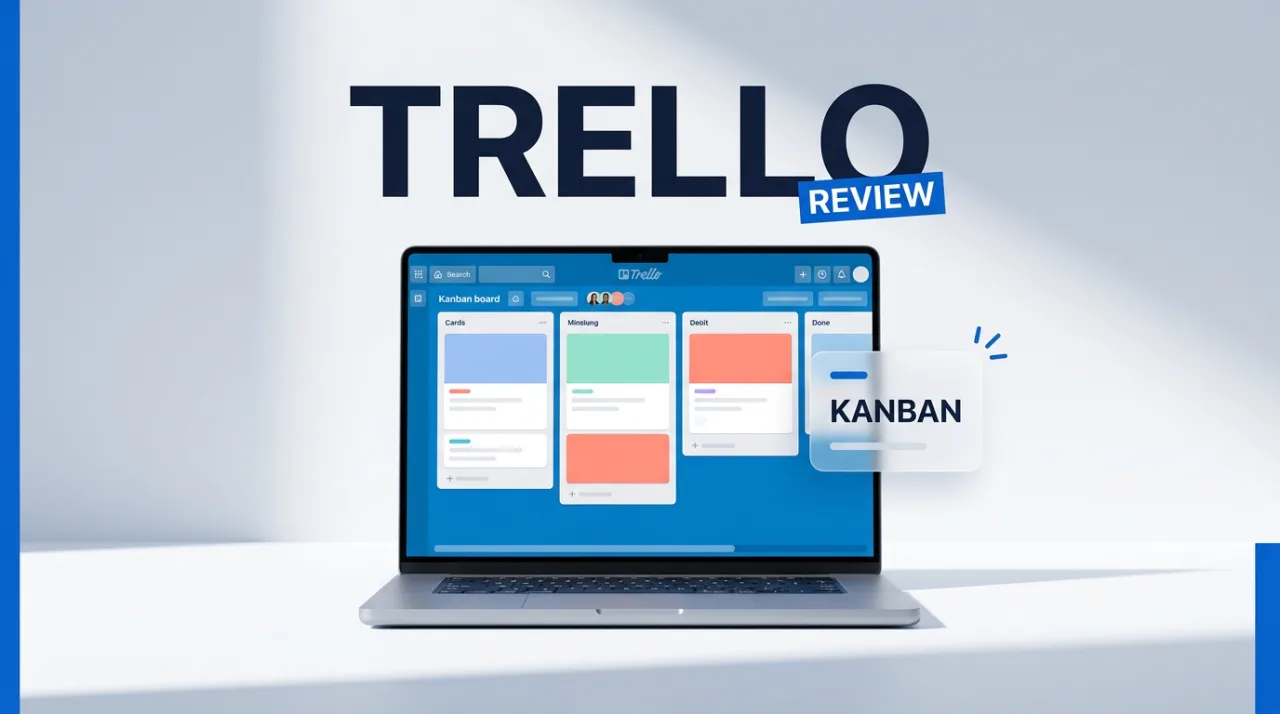
Trello organizes work through boards, lists, and cards that users drag and drop to track progress. The platform, owned by Atlassian since 2017, targets individuals and teams needing simple visual workflows rather than heavy project management suites.
Core tools include labels, due dates, checklists, attachments, and comments on every card. Real-time updates appear across desktop, web, and mobile apps, while Butler automation handles recurring actions such as moving cards or assigning members.
Trello Features and Capabilities
Standard users receive AI tools that generate boards from text prompts, create checklists from card descriptions, merge duplicate cards, and summarize comments. Additional AI options cover writing assistance, action-item extraction, and image generation for card covers. Trello MCP lets external AI assistants read and act on authorized boards through OAuth connections.
Paid plans unlock multiple views beyond the default board layout: Calendar, Timeline, Table, Dashboard, and Map. Custom fields, card mirroring across boards, list colors, and unlimited automation runs appear at the Premium level. Free accounts stay limited to 10 collaborators per workspace and 250 automation runs per month.
More than 200 Power-Ups connect Trello to Slack, Google Drive, Jira, Microsoft Teams, and other services. Card templates and workspace-level dashboards help standardize processes for marketing teams or small operations that avoid complex dependencies.
Pricing Plans, User Feedback, and Comparisons
Annual pricing lists Free at zero cost with basic limits, Standard at five dollars per user monthly, Premium at ten dollars, and Enterprise at seventeen dollars fifty cents. The fourteen-day Premium trial allows testing of advanced views and unlimited automation before committing. File attachment sizes increase from 10 MB on Free to 250 MB on Standard.

Aggregated ratings show 4.5 out of five on Capterra from over 23,600 reviews and 4.4 on G2 from roughly 14,000 entries. Users frequently praise the intuitive interface and fast setup for simple projects, yet note that reporting and Gantt-style dependencies require external tools or paid upgrades. Complaints center on workspace limits in the free tier and the need for add-ons once teams grow beyond a handful of members.
The table below compares Trello against two common alternatives on key criteria:
| Criteria | Trello | Asana | ClickUp |
|---|---|---|---|
| Free plan boards | 10 per workspace | Unlimited projects | Unlimited |
| Native AI features | Standard and above | Paid add-on | Free tier included |
| Advanced reporting | Premium views only | Built-in dashboards | Extensive native options |
| Automation runs (paid) | Unlimited at Premium | Rule-based limits | High volume included |
Security rests on Atlassian infrastructure with OAuth 2.0 support and optional Enterprise SSO through Atlassian Guard. No major data incidents appear in recent public records, though free accounts lack granular permission controls found in Enterprise plans.
Limitations include weaker native handling of task dependencies and resource allocation compared with Jira or monday.com. Scaling beyond small teams often leads users to add Power-Ups or migrate to fuller platforms when reporting needs expand. Recent AI additions from July 2026 address some workflow friction but remain restricted to paid tiers.
Frequently asked questions
What are the main differences between Trello pricing plans?
Free restricts workspaces to ten collaborators and 250 automation runs monthly. Standard adds AI features and custom fields. Premium unlocks multiple views and unlimited automation. Enterprise provides organization-wide admin tools and SSO.
How does Trello handle automation without code?
Butler rules trigger card movements, assignments, and due-date updates based on conditions. Free accounts receive 250 runs per month while Premium removes the cap. Common triggers include label changes and checklist completion.
Which Trello alternatives suit teams needing Gantt charts?
Asana and ClickUp supply native timeline and dependency views without extra Power-Ups. monday.com adds resource planning layers. Users often compare these options when Trello reporting falls short for complex projects.
Is Trello suitable for large enterprises?
Enterprise plan adds unlimited workspaces, advanced permissions, and Atlassian Guard SSO. Many large organizations still pair Trello with Jira for deeper tracking when dependencies and reporting become critical.
Filed under
Comments
No comments yet. Be the first!